The Freelancer's Guide to Time Tracking: Boost Income & Reclaim Your Time
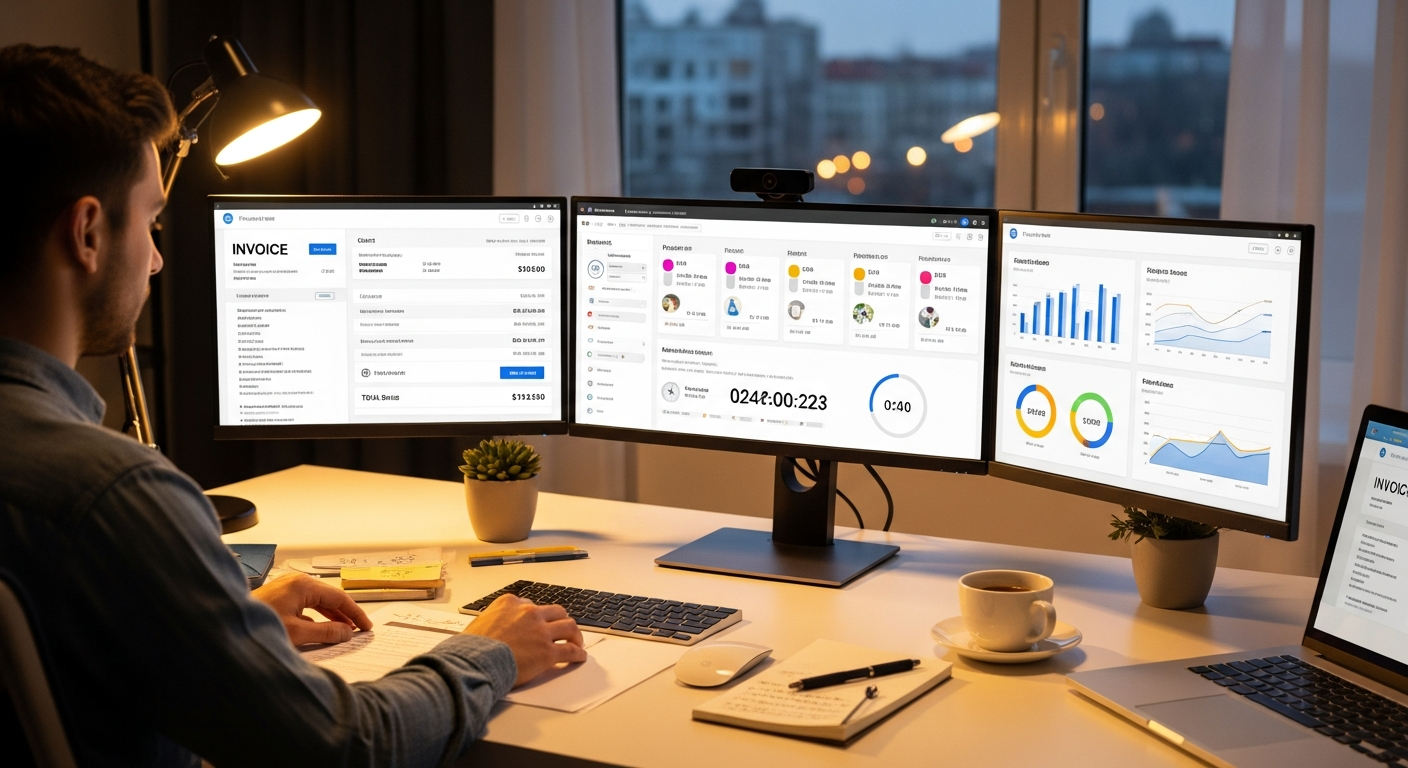
As a freelancer, your time is literally your money. Learn how to use time tracking to bill more of the work you do, improve work-life balance, and make smarter business decisions.
Quick answer: Freelancers should track time to bill every hour they work, set rates from real data, quote projects accurately and spot burnout early. Track automatically for desk work, log calls and offline work manually, and review your data weekly. The goal is useful numbers, not perfect ones.
As a freelancer, your time is literally your money. Yet most freelancers dramatically underestimate how much time they spend on client work—leading to undercharging, burnout, and leaving money on the table.
The solution? Time tracking. But not the tedious, spreadsheet-based tracking you're imagining.
This guide shows you how to use time tracking to capture more of your billable hours, improve your work-life balance, and make smarter business decisions—all without adding stress to your already busy life.
Why Freelancers Need Time Tracking
The Freelance Time Trap
When you don't track time, you're flying blind. Common scenarios:
- "This project should take 10 hours" → Actually takes 18 hours → You just worked 8 hours for free
- Client asks "how much for this project?" → You guess → Either overcharge (lose client) or undercharge (lose money)
- End of month: worked 60 hours but only billed for 40 → Where did 20 hours go?
- Burnout hits because you don't realize you're working 55 hours per week
The stakes are higher for freelancers because you set your own rates, quote projects, bill clients, and manage your own workload. Every unbilled hour is money lost forever.
The 7 Benefits of Time Tracking for Freelancers
1. Capture ALL Billable Hours
Freelancers often lose billable time by forgetting to track small tasks—quick email responses, Slack questions, minor revisions, research time.
Illustrative example: A freelance designer who thinks they bill 25 hours a week but actually works 32 is giving away 7 hours every week. At $80/hour over 48 weeks that is 7 × $80 × 48 = $26,880/year (hypothetical numbers to show the math).
2. Set Profitable Rates
The formula, with example numbers:
- Target annual income: $100,000
- ÷ Billable hours per year: 1,200 (assuming 60% billable rate)
- = Minimum hourly rate: $83.33
- + Profit margin (30%): $108
- = Actual rate you should charge: $108/hour
Time tracking shows your true effective hourly rate based on reality, not guesswork.
3. Create Accurate Project Estimates
After six months of tracking, a freelancer might learn that logo design really takes 8-12 hours instead of the 5 they quoted, and that client revisions need a buffer. Quotes based on real data are far more reliable than guesses.
4. Identify Time-Wasters
Time tracking reveals surprising patterns:
- "I spend 10 hours per week on email!" (can be batched to 4)
- "Client X takes 40% of my time but provides 20% of revenue" (time to raise rates)
- "I waste 2 hours per day on social media" (use website blockers)
- "I'm most productive 9-11 AM" (schedule deep work then)
5. Improve Work-Life Balance
Working 55 hours per week? Time to say no to new clients or raise rates. Only 20 billable hours? Need more clients. Working evenings and weekends? Time to set boundaries.
6. Know When to Hire Help
Illustrative example: Say you spend 8 hours/week on admin at $100/hour billable rate. A VA costs $25/hour. Spend $200/week on VA, free up 8 hours = $800/week billable. Net gain: $600/week = $31,200/year.
7. Prove Your Value to Clients
Instead of "I worked a lot of hours," provide detailed breakdowns: Strategy 6 hours, Design 18 hours, Revisions 8 hours, Meetings 4 hours. Data builds trust and clients pay promptly.
How to Actually Track Time as a Freelancer
Method 1: Automatic Tracking (Recommended)
Install the WorkSnaply desktop app, set up projects for each client, start the timer when you begin work, and let it keep running in the background. Daily effort: close to zero. Captures desk work automatically.
Method 2: Manual Timer
Start/stop timers manually. Works for offline/mobile work but depends on you remembering to start and stop. Easy to forget and interrupts flow.
Method 3: Hybrid (Best of Both)
Automatic tracking for desk work + manual logging for calls, meetings and offline work. Result: high accuracy with minimal effort.
The Freelancer's Time Tracking System
Weekly Routine
- Monday Morning (5 min): Review last week's data, set billable hour goal, plan schedule
- Daily (0-2 min): Check tracker is running, quick evening glance
- Friday Afternoon (15 min): Weekly review, generate invoices, plan next week
- Monthly (30 min): Deep analysis, adjust rates, update project estimates
Categories That Matter
Don't overcomplicate. Start with: Client A, Client B, Client C, Internal (your business work). Add detail later if needed.
Common Time Tracking Mistakes
Mistake #1: Not Tracking Non-Billable Time
Track everything—client work, admin, marketing, learning, business development. Shows true workload and helps decide what to outsource.
Mistake #2: Perfectionism
80% accuracy is plenty. Round to nearest 15 minutes. Don't stress over every second—imperfect data that exists beats perfect data you'll never collect.
Mistake #3: Tracking But Never Reviewing
Put "Weekly Time Review" on your Friday calendar. Look at where time went, identify surprises, plan changes for next week.
Mistake #4: Not Billing for All Tracked Time
If 35 hours feels high, maybe your rate is too low. Don't eat the cost—that's not sustainable.
Mistake #5: Complicated Categories
Start with 5-7 categories max. Less is more.
Time Tracking for Different Scenarios
Hourly Billing
Need high accuracy, detailed categorization, ability to generate invoices. Track everything automatically, review daily, generate weekly invoices with detailed reports.
Project-Based Pricing
Track to know your real effective rate. Example: Quoted $5,000 for website, tracked 80 hours = $62.50/hour effective. Next quote: $8,000.
Retainer Clients
Track against monthly budget, alert client when approaching limit, send monthly usage reports.
What Changes When You Track
Freelancers who track their time usually notice the same few things: some projects take longer than quoted, some clients take more time than they pay for, and a share of the work never gets billed. Seeing that in your own data is what lets you raise rates, tighten scope and say no to unprofitable work. The examples in this guide are illustrative; your own numbers will differ.
Your 30-Day Plan
- Week 1: Choose tool (WorkSnaply recommended), set up 3-5 client categories, start tracking everything
- Week 2: First review—total hours, billable vs non-billable split, any surprises?
- Week 3: Identify one issue and make one adjustment
- Week 4: Calculate effective hourly rate. If not acceptable, raise rates.
- Month 2+: Continue tracking, weekly 15-minute reviews, monthly deep analysis
The Bottom Line
Time tracking isn't optional for serious freelancers—it's a business necessity. Benefits: more of your billable hours captured, more accurate quotes, better work-life balance, data-driven decisions, and client trust.
Time investment: Setup: 30 minutes. Daily: 0 minutes (with automatic tracking). Weekly review: 15 minutes.
ROI: Estimate it for yourself: the extra billable hours you capture per year × your hourly rate, compared with the tool's yearly cost.
Start Tracking Today
WorkSnaply is built for freelancers who want less admin: a background timer, invoicing from tracked time and a privacy-first design.
Try free for 14 days—no credit card required.
Related reading
- 10 Time Tracking Tips That Actually Work
- What Is a Timesheet? Types, Benefits & Best Practices Explained
- Manual vs Automatic Time Tracking: Which is Right for Your Team?
- Toggl Track Reviews 2026: Honest Pros, Cons & User Ratings
Frequently Asked Questions
Why should freelancers track their time?
Because your time is what you sell. Tracking shows how many hours you really work, which projects run over, and how much goes unbilled, so you can set rates and quotes from real data.
What is the best way for a freelancer to track time?
Use automatic tracking for desk work and manual entries for calls, meetings and offline tasks. The best method is the one you will actually keep using.
Should I track non-billable time too?
Yes. Admin, marketing and learning take real hours. Tracking them shows your true workload and your effective hourly rate.
How do I set an hourly rate from my tracked time?
Divide your target annual income by the billable hours you realistically work per year, then add a margin for profit and taxes. Your tracked data shows how many billable hours that really is.