Manual vs Automatic Time Tracking: Which is Right for Your Team?
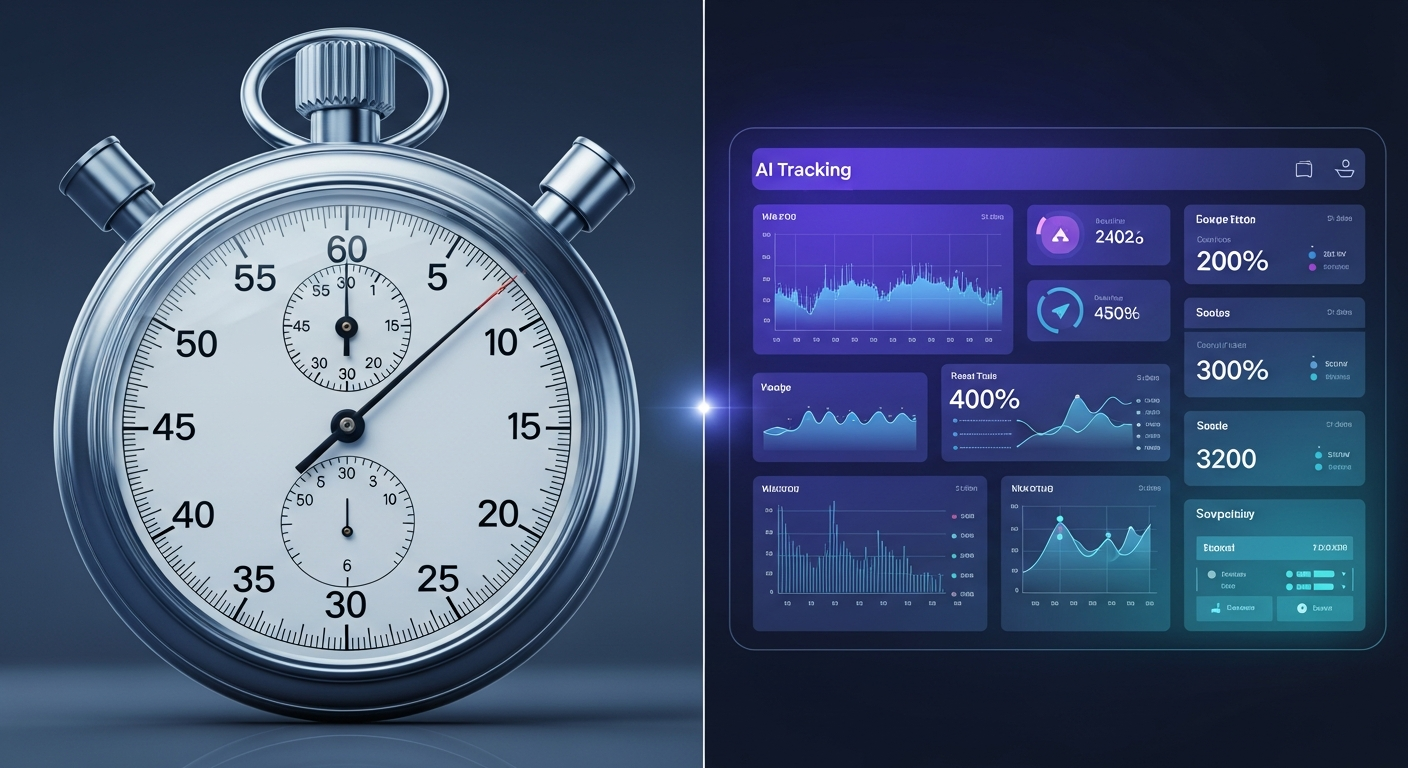
Choosing between manual and automatic time tracking is one of the most important decisions for your team's productivity. This guide breaks down the pros, cons, and ideal use cases for each approach.
Quick answer: Manual time tracking (timers or end-of-day entries) is flexible and keeps privacy simple, but depends on people remembering. Automatic tracking runs in the background and captures more with less effort, but needs clear privacy rules. Many teams combine both: automatic for desk work, manual for calls, meetings and offline tasks.
Choosing a time tracking method is one of the most important decisions for your team's productivity and accountability. But with so many options available, how do you decide between manual and automatic time tracking?
This guide breaks down the pros, cons, and ideal use cases for each approach—so you can make the right choice for your team's unique needs.
The Two Approaches
Manual Time Tracking
Team members manually start and stop timers, or log hours at the end of the day/week. Examples: Toggl Track, Harvest (manual mode), Excel timesheets.
Automatic Time Tracking
Software runs in the background and automatically captures time based on activity. Examples: RescueTime, Timely.
Manual Time Tracking: The Deep Dive
Pros
Complete Control: You decide exactly what gets tracked and how it's categorized
Simple to Understand: Start a timer when working, stop when done. No learning curve
Privacy Control: No concern about background monitoring
Flexible: Works for any type of work, including offline activities and phone calls
Works Across Devices: Mobile apps for on-the-go tracking
Cons
Easy to Forget: People forget to start or stop timers, so some work goes untracked, which can lead to lost billable time
Interrupts Flow: Starting, stopping and switching timers is a small interruption, and timer management can become a distraction
Time-Consuming: Managing timers and fixing entries takes time every week, and that adds up across a team
Prone to Human Error: Wrong project, wrong date, forgot to stop timer, duplicate entries
End-of-Day Reconstruction: Memory is unreliable for reconstructing 8 hours of work
Team Resistance: Many employees view it as micromanagement
When Manual Tracking Works Best
Highly variable work (consultants, field workers, offline creative work)
Simple needs (small teams, few clients/projects)
Occasional tracking (only major projects)
Budget constraints (free tools available)
Automatic Time Tracking: The Deep Dive
Pros
High Accuracy: Captures time as it happens instead of relying on memory, so it usually misses less than manual methods
Zero Effort: Set it up once, runs in background. Team focuses on work, not timers
Complete Picture: Captures forgotten tasks, short 5-minute tasks, context-switching time, meeting time
Detailed Insights: See exactly which apps/websites you use, when you're most productive
No Compliance Issues: Nothing to forget or resist—it's automatic
Better Data for Decisions: Realistic project estimates, workload balancing, hiring decisions based on real capacity
Cons
Privacy Concerns: Some discomfort with monitoring (tools like WorkSnaply prioritize privacy with user controls)
Learning Curve: Setup takes 1-2 hours initially
Cost: $5-15/user/month (but easily pays for itself with even 2 extra billable hours/week)
Desktop Required: Only tracks computer work; mobile/offline work needs manual input
Initial Setup: Need to configure projects and categorization rules
When Automatic Tracking Works Best
Knowledge workers at computers (developers, designers, writers, analysts)
When accuracy matters (hourly billing, profitability analysis, capacity planning)
Larger teams (10+ people where manual compliance is a headache)
When productivity insights are needed (work patterns, bottlenecks, burnout prevention)
Head-to-Head Comparison
Factor | Manual Tracking | Automatic Tracking |
|---|---|---|
Accuracy | Depends on memory and habits | Higher, because activity is captured as it happens |
Compliance | Depends on people remembering | Runs automatically |
Setup Time | Quick | Longer (install and configure) |
Daily Effort | 5-10 min/day | 0 minutes |
Cost | $0-5/user/month | $5-15/user/month |
Privacy Concerns | Low | Medium (manageable) |
Data Completeness | Partial (gaps) | Complete |
Mobile Support | Excellent | Limited |
Offline Work | Excellent | Limited |
Best For | Small teams, simple needs | Larger teams, accuracy needs |
The Hybrid Approach: Best of Both Worlds
Many teams use a combination:
Automatic for: Computer-based work, detailed activity tracking, productivity insights
Manual for: Mobile work, phone calls, offline meetings, field work, client visits
Example workflow: Once started, WorkSnaply's timer keeps running in the background of the desktop app while the team works. Calls, meetings and offline work are only captured if someone starts a timer for them. Result: high tracking accuracy with minimal effort.
How to Choose for Your Team
Choose Manual Tracking If:
Your team is small (1-5 people)
Work happens mostly away from computers
You only need rough time estimates
Budget is very limited
You're just getting started with time tracking
Choose Automatic Tracking If:
Your team works primarily on computers
You need accurate data for billing or decisions
You have 10+ people to manage
Manual tracking compliance is a problem
You want detailed productivity insights
You're tired of chasing people to log hours
Choose Hybrid If:
Mix of computer and non-computer work
Want accuracy where possible, flexibility where needed
Making the Transition
From No Tracking → Manual
Week 1: Choose a simple tool, create 3-5 main categories, track just major projects.
Week 2-4: Add detail as needed, build habits, do weekly reviews.
From Manual → Automatic
Before switching: Explain why to team (better data, less effort, not surveillance). Choose privacy-first tool.
Week 1: Install software, set up projects, run parallel with manual for comparison.
Week 2: Review automatic data, adjust categories, phase out manual.
Week 3+: Fully automatic with weekly reviews.
Real-World Examples
Example A: Manual to Automatic (illustrative)
Imagine a 15-person agency that tracks time manually. People forget timers, some work goes unbilled, and managing timers takes time every week. Switching to automatic tracking can recover some of that unbilled time and cut timer upkeep, but the size of the gain depends on your team and billing rates, so we are not quoting figures.
Example B: Staying Manual (illustrative)
3-person consulting firm with mostly offline/mobile work, simple billing. Manual works because: small team means high compliance, work isn't computer-based, free tool meets needs.
Lesson: Choose based on your actual needs, not what's trendy.
The Bottom Line
There's no universal "best" answer. The right choice depends on your team size, type of work, accuracy needs, budget, and current pain points.
Most computer-based teams benefit from automatic tracking. Accuracy and time savings outweigh cost.
Manual tracking still has a place for small teams, offline work, and simple needs.
Hybrid is often ideal: automatic for desk work, manual for everything else.
Ready to Try Automatic Time Tracking?
WorkSnaply combines background tracking with a privacy-first design: start the timer once and it keeps running, with optional screenshots, privacy controls and team reports.
Start your free 14-day trial—no credit card required.
Related reading
- 10 Time Tracking Tips That Actually Work
- 10 Best Time Tracking Practices for Remote Teams in 2026
- Biometric Time Clocks: How They Work, Legal Requirements & Which Businesses Actually Need One
- 10 Best Employee Time Tracking Software in 2026
Frequently Asked Questions
What is the difference between manual and automatic time tracking?
Manual means people start timers or log hours themselves. Automatic means software records activity in the background and maps it to projects.
Which is more accurate, manual or automatic time tracking?
Automatic tracking usually captures more because it does not rely on memory, but accuracy depends on setup and on how well activity maps to projects. Manual tracking is only as accurate as people are consistent.
Is automatic time tracking a privacy risk?
It can be if it captures too much. Tell your team exactly what is recorded, avoid screenshots and keystroke logging unless truly needed, and check local law, since some places require notice for electronic monitoring.
When does a hybrid approach make sense?
When part of the work happens at a computer and part does not, for example calls, site visits or meetings. Automatic tracking covers desk work and manual entries cover the rest.